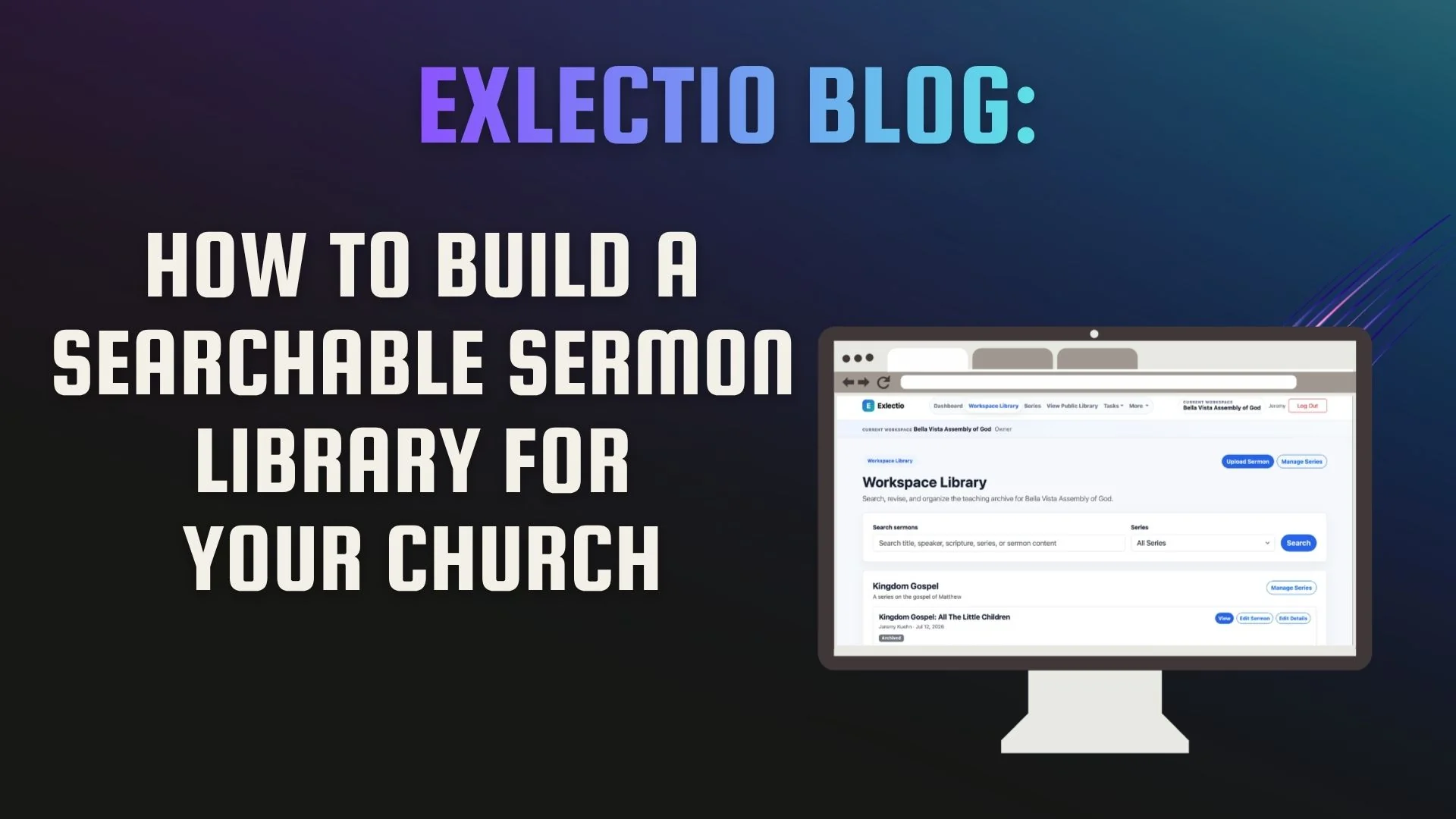
How to Build a Searchable Sermon Library for Your Church
Your church has already invested thousands of hours into its teaching. Here's how to make sure those sermons continue discipling people for years to come.
Every Church Already Has a Sermon Library
The problem is that most churches don't actually know where their sermon library is. It's scattered across YouTube, Dropbox, Google Drive, Microsoft Word documents, PDFs on someone's laptop, and maybe even a few notebooks sitting on the pastor's office shelf. None of those things are bad by themselves, but together they make your church's teaching surprisingly difficult to find and nearly impossible to build upon.
I realized this in my own ministry. Like many pastors, I faithfully uploaded our sermons to YouTube every week because that's what everyone seemed to be doing. YouTube is a great platform for helping people discover your church, and I have no intention of stopping. But after a while I noticed something: it wasn't becoming the discipleship resource I had hoped it would.
If someone wanted to go back and revisit a sermon on prayer, they had to remember roughly when I preached it and scroll through months of videos. If they wanted every sermon from the Gospel of Luke or every message from a particular series, there wasn't a simple way to find it. Even worse, the manuscript I had spent fifteen or twenty hours studying, writing, and praying over each week usually ended up buried in a folder that no one—including me—would ever search again.
That began to bother me. Every sermon represents hours of careful study and prayer. It seemed wrong that so much work could be reduced to a single video link and then slowly disappear into an archive that no one actually used. I wanted our church's teaching to remain accessible—not just for me, but for our staff, our small group leaders, and anyone who wanted to continue growing through God's Word after Sunday was over.
That conviction is one of the reasons I built Exlectio. I wasn't trying to create another place to store files. I wanted to create a place where years of faithful preaching could continue serving the church long after the final "Amen."
What Every Church Should Preserve
One of the biggest misconceptions I see is that the sermon video is the sermon. Don't misunderstand me—I think every church should record and publish its messages. We do. But the video is only one part of what God has given your church.
The manuscript deserves to be preserved because it represents hours of study, prayer, and preparation. The slides tell part of the story. The Scripture references matter because they're often the first thing a pastor remembers months later. Series names help people reconnect with an entire season of teaching, and topics make sermons discoverable in ways dates and filenames never will.
When all of those pieces stay together, your teaching becomes far more valuable over time.
Learn More in Exlectio
How People Actually Search
Computers organize information one way. People remember it another.
A computer is perfectly happy storing a file named 2024-03-17_Final_v4.pdf inside three layers of folders. Six months later, that filename means almost nothing to you.
People remember ideas. They remember, "I know we did a series through James," or "Didn't Pastor preach on anxiety from Philippians?" Sometimes they remember a story. Sometimes they remember a verse. Rarely do they remember the date.
That's why a sermon library should be built around the way people think, not the way computers store files. Someone ought to be able to search by Scripture, speaker, series, topic, or even a keyword from the manuscript and immediately find what they're looking for.
Learn More in Exlectio
Building Your Library
Whenever pastors ask me where to begin, I give the same advice: don't start by organizing—start by preserving.
Gather everything you already have. Word documents, PDFs, Google Docs, video links, transcripts, even old sermon notes. The goal isn't perfection; it's making sure years of teaching aren't lost.
Once everything is in one place, preserve the original manuscript before making any edits. Then add the information that will help people find it later: the Scripture passage, the series, the speaker, the date, and a few thoughtful tags. Finally, publish only the version you've reviewed and approved.
None of those steps are particularly complicated, but together they transform a pile of disconnected files into a library your church can actually use.
Step-by-step documentation
Who a Searchable Sermon Library Serves
A searchable sermon library may begin as a tool for the pastor, but its usefulness reaches much further.
For pastors, it provides a way to quickly find previous sermons, revisit earlier teaching, and avoid losing years of study in forgotten folders. For small-group leaders, it creates access to approved sermon content that can help continue Sunday’s conversation throughout the week.
Church members can return to teaching when they are facing a particular question or season of life. Someone walking through grief may search for messages on hope. Someone studying Romans may want to find every sermon the church has taught from that book.
A well-organized library also serves future staff. Pastors and leaders change, but the teaching history of the church should not disappear with them. A searchable archive gives future ministry teams access to the sermons, series, theological emphasis, and discipleship resources that helped shape the church.
Building Your Library in Five Steps
Whenever pastors ask me where to begin, I give the same advice: don’t start by organizing—start by preserving.
1. Gather What You Already Have
Bring together your Word documents, PDFs, Google Docs, transcripts, sermon notes, and other source files. The goal at this stage is not perfection. It is making sure years of teaching are not lost.
Learn how to upload a sermon into Exlectio.
2. Preserve the Original Source
Keep the original manuscript or file before making edits. A cleaned-up working version can be useful, but it should never replace the sermon as it was originally written or preached.
Learn how Exlectio handles review, editing, and sermon restoration.
3. Add the Information People Will Search For
Record the sermon’s Scripture passage, speaker, series, date, and relevant tags. A few minutes of organization now can save hours of searching later.
Learn how to organize sermons with series, tags, and search.
4. Review the Sermon Before Sharing It
Before a sermon becomes public, review the manuscript, formatting, metadata, and any changes that have been made. The pastor or church team should remain in control of the final version.
5. Publish the Approved Version
Once the sermon has been reviewed, publish it to a public sermon library or embed the library directly into your church website.
Learn how to publish and embed your public sermon library.
Regards,
Jeremy Kuehn